
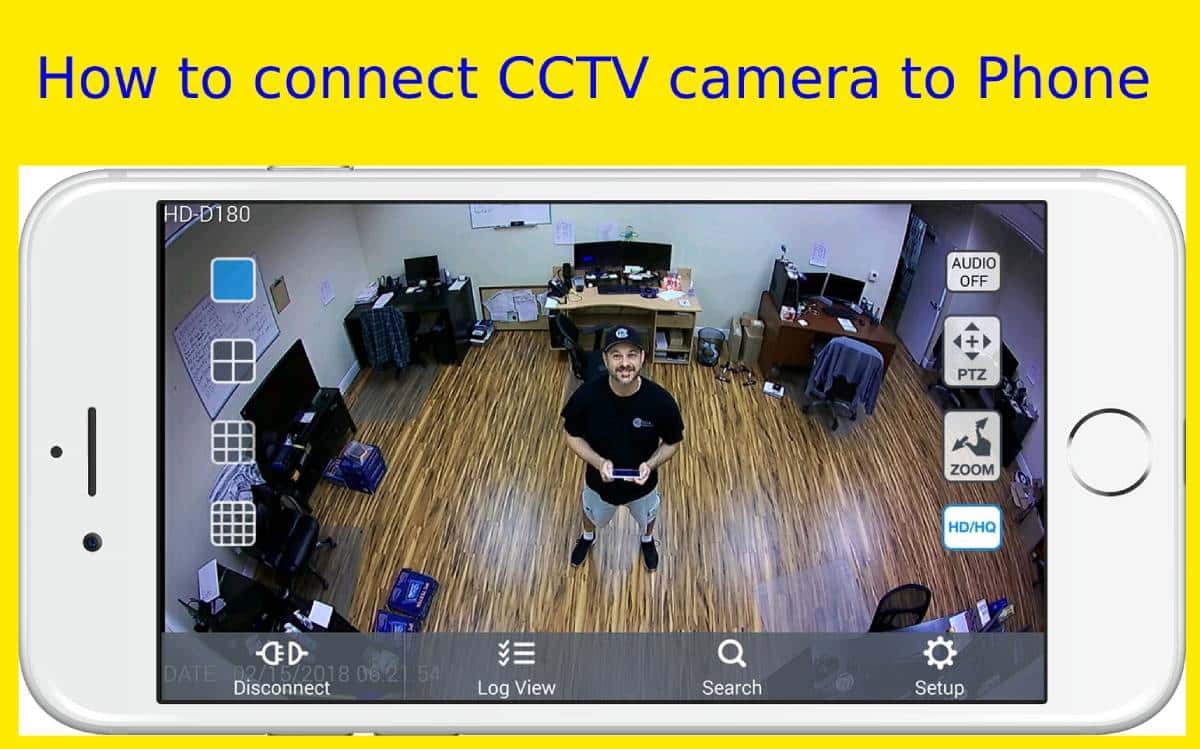
Nowadays CCTV camera is a very useful security device that is mostly used in the office or home. It is also used in special areas and in special events for security purposes. Today I’m going to show you how to connect a CCTV camera to a phone with the internet.
Connecting CCTV camera with the internet [on-the-go]
In this way, you can watch your CCTV camera footage live from anywhere in the world. You must have already installed a security camera system in your home or office. Then we will use an app named ‘Reolink‘ on our phone to monitor CCTV cameras. You can use this app on your Android or iOS system.
Don’t forget that both devices must have to be on the network. Unless this method will not work. Now let’s get to work.
How to connect CCTV camera to phone
- At first, install the Reolink phone app on your phone from the play store or app store.
- Now, add security cameras to your phone app. You have to scan the QR code or entering the camera UID.
- Then click on the security camera that is linked to the phone.
- And finally, you will see the live view.
- You can also set different types of configurations like alert frequency, motion detection, etc.
You can also watch the video to learn more.
In this way, you can connect your Reolink CCTV camera to the phone in the very easiest way. You can also connect other brands with some extra configuration.
You may like:
HEVC Codec For Mx Player
 Adda Tech